The Client Makes All the Difference: How to Ensure Satisfied End Users
A laptop that works reliably. Applications that run smoothly. Updates that install in the background. What may sound like a given is, in modern work environments, the result of well-designed processes and technologies. After all, it is the end device itself that determines how productive and satisfied employees can be in their day-to-day work.
More Than Just “Unbox and Get Started”
In a personal setting, everything seems straightforward: buy a device, turn it on, and use it. In a business context, however, the reality is much more complex. A wide variety of requirements must be met simultaneously:
- Security and compliance requirements
- Custom software requirements
- Regular updates and patches
- Different user profiles and work styles
- Mobile devices used in varying locations
Today, end devices are no longer tied to a fixed office workstation. They move between home offices, corporate networks, and cloud environments. To ensure security, performance, and user-friendliness in equal measure, well-thought-out and flexible management strategies are therefore essential.
The Client as the Hub of IT
All IT issues converge at the endpoint—from security and collaboration to applications and data access. The client serves as the central interface between people and IT. This is precisely why modern client management is so challenging. Different disciplines must work together seamlessly:
- Unified Endpoint Management
- M365 environments
- Mobile device management
- Security mechanisms
- User experience
Successful endpoint management does not happen in isolation but through the collaboration of various IT departments. Only when these areas work together seamlessly can a stable and high-performance work environment be created.
The User Experience Is Key
For end users, one thing matters above all else: the workplace must function reliably, and the computer must run without interruptions. But ensuring exactly that requires considerable effort behind the scenes.
It’s not just the technology that plays a role here, but also communication. Transparency during disruptions, understandable information free of technical jargon, and clear statements about solutions and timelines build trust—even when problems arise.
Cloud, Mobility, and New Requirements
The trend is clearly moving toward cloud-native clients and flexible work models. Traditional, fixed workstations are increasingly being supplemented or replaced by mobile and location-independent devices. This also brings with it new requirements:
- Devices on different networks
- International use and cross-location work
- Higher security and management requirements
- Continuous system updates
A universal standard setup is virtually nonexistent. Instead, there is a need for scalable and flexible solutions that adapt to different work realities.
Technology Needs Passionate People
This podcast episode also shows that behind every successful IT system are people who take responsibility, continuously develop their skills, and actively drive new technologies forward.
Technical expertise alone is not enough. Curiosity, a willingness to learn, and an eye for the big picture are crucial. It is precisely this combination that makes all the difference—both for stable IT solutions and for satisfied users.
And what role does AI play?
Artificial intelligence is already having a noticeable impact on our daily work—not as a replacement for people, but as a support in day-to-day operations. The following are particularly relevant:
- Automation of routine tasks
- Personalized information processing
- Support with analysis and decision-making
The outlook is clear: Intelligent assistance systems take over repetitive tasks and free up time for strategic and creative activities.
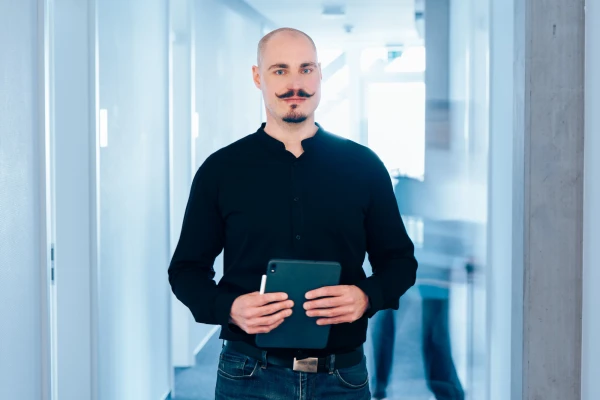
Marcel Ganter
User Centric
E-Mail: mganter@spirit21.com
Marcel is an expert in Microsoft Intune, Windows, and Unified Endpoint Management. With his extensive experience, he supports customer projects and drives the evolution of modern workplace solutions.